

VDS 1
1 vCPU
AMD EPYC
2 GB
DDR4 ECC RAM
25 GB
NVMe Storage
10 Gbit
Port · unlimited traffic
$7/mo
New: every layer redundant cloud servers, now in every plan, at no extra cost!


Run n8n on your own server instead of paying per execution. One-click installation with Docker, unlimited workflows and executions, webhooks on your own domain, snapshots before every upgrade. Dedicated resources in Istanbul.
From the smallest to the largest. Every plan runs on AMD EPYC processors and NVMe storage in Istanbul.
1 vCPU
AMD EPYC
2 GB
DDR4 ECC RAM
25 GB
NVMe Storage
10 Gbit
Port · unlimited traffic
$7/mo
Most Popular Plan
2 vCPU
AMD EPYC
4 GB
DDR4 ECC RAM
50 GB
NVMe Storage
10 Gbit
Port · unlimited traffic
$11/mo
2 vCPU
AMD EPYC
8 GB
DDR4 ECC RAM
80 GB
NVMe Storage
10 Gbit
Port · unlimited traffic
$17/mo
4 vCPU
AMD EPYC
8 GB
DDR4 ECC RAM
120 GB
NVMe Storage
10 Gbit
Port · unlimited traffic
$21/mo
4 vCPU
AMD EPYC
16 GB
DDR4 ECC RAM
160 GB
NVMe Storage
10 Gbit
Port · unlimited traffic
$30/mo
6 vCPU
AMD EPYC
24 GB
DDR4 ECC RAM
240 GB
NVMe Storage
10 Gbit
Port · unlimited traffic
$42/mo
8 vCPU
AMD EPYC
32 GB
DDR4 ECC RAM
320 GB
NVMe Storage
10 Gbit
Port · unlimited traffic
$55/mo
12 vCPU
AMD EPYC
48 GB
DDR4 ECC RAM
480 GB
NVMe Storage
10 Gbit
Port · unlimited traffic
$80/mo

n8n Community Edition is free; you pay only for the server. Run as many workflows and executions as the server can handle.

n8n is deployed with Docker from the panel; the URL and login are shown when it finishes. Postgres as the database on request.

Credentials, workflow data and execution logs never leave your VPS. Snapshots and the panel firewall protect it.
n8n is light; what needs sizing is the number of concurrent executions and how much execution data you keep.
| Usage | Suggested plan | Notes |
|---|---|---|
| Personal and small team, a few workflows | 1 to 2 vCPU, 2 GB | SQLite is fine; prune execution data |
| Business automation, many webhooks | 2 vCPU, 4 GB | Switch to Postgres; keep 7 to 30 days of executions |
| Heavy AI and data workflows | 4 vCPU, 8 GB and up | Queue mode with workers; Redis on the same server |
Memory matters most: large JSON payloads and AI nodes grow quickly. Upgrade from the panel without reinstalling.
Order a Linux VPS: Ubuntu 24.04 or Debian 13; 2 GB of memory and up.
Install n8n: Open One-Click Apps in the panel and choose n8n; the installation takes a few minutes and shows the URL and owner login.
Add your domain: Point n8n.yourdomain.com to the server; enable HTTPS with Let's Encrypt (Caddy or Nginx Proxy Manager are also one-click apps).
Secure it: Restrict the n8n port in the panel firewall, enable two-factor authentication on the n8n owner account, snapshot before upgrades.
Automate: Webhooks, schedules and the 400+ integrations; AI nodes work with OpenAI, Anthropic and local models.
n8n Cloud bills by executions and workflow count; a self-hosted server has neither limit and keeps credentials on your own machine. In return you handle updates and backups, both of which are a few clicks here: snapshot in the panel, then pull the new image.
Running n8n and other apps on Linux: Linux VPS in Turkey
Three ways to run n8n
| FEATURES | n8n Cloud | Self-Hosted on CloudBT | Shared Hosting |
|---|---|---|---|
| Executions | Metered per plan | Unlimited | Usually not supported |
| Workflows | Capped by plan | Unlimited | Usually not supported |
| Data location | Provider's cloud | Your server in Istanbul | Shared server |
| Updates | Automatic | Snapshot, then one command | Not applicable |
| Custom nodes and binaries | Limited | Yes, root access | No |
| Cost | Per plan, grows with usage | Fixed server price | Not applicable |
n8n runs in Docker; upgrades are a snapshot and an image pull.
Always-on server with a public IP and your own domain.
Three per server, 30 days; roll back a failed upgrade in one click.
Expose only HTTPS; keep the n8n port closed to the internet.
The same AMD EPYC and NVMe platform.
Dual AMD EPYC processors in every physical host. Your virtual server runs on cores reserved for you.

The entire storage layer is NVMe SSD. Database queries and file operations are noticeably faster than on SATA SSD.
Every host connects to two separate switches with a 100G link each. If a switch or link fails, your traffic flows over the other.
Three snapshots per server and a panel-managed firewall are included in every plan.
Move from SQLite to Postgres; add Redis for queue mode as the workload grows.

Caddy or Nginx Proxy Manager for HTTPS on your own domain.
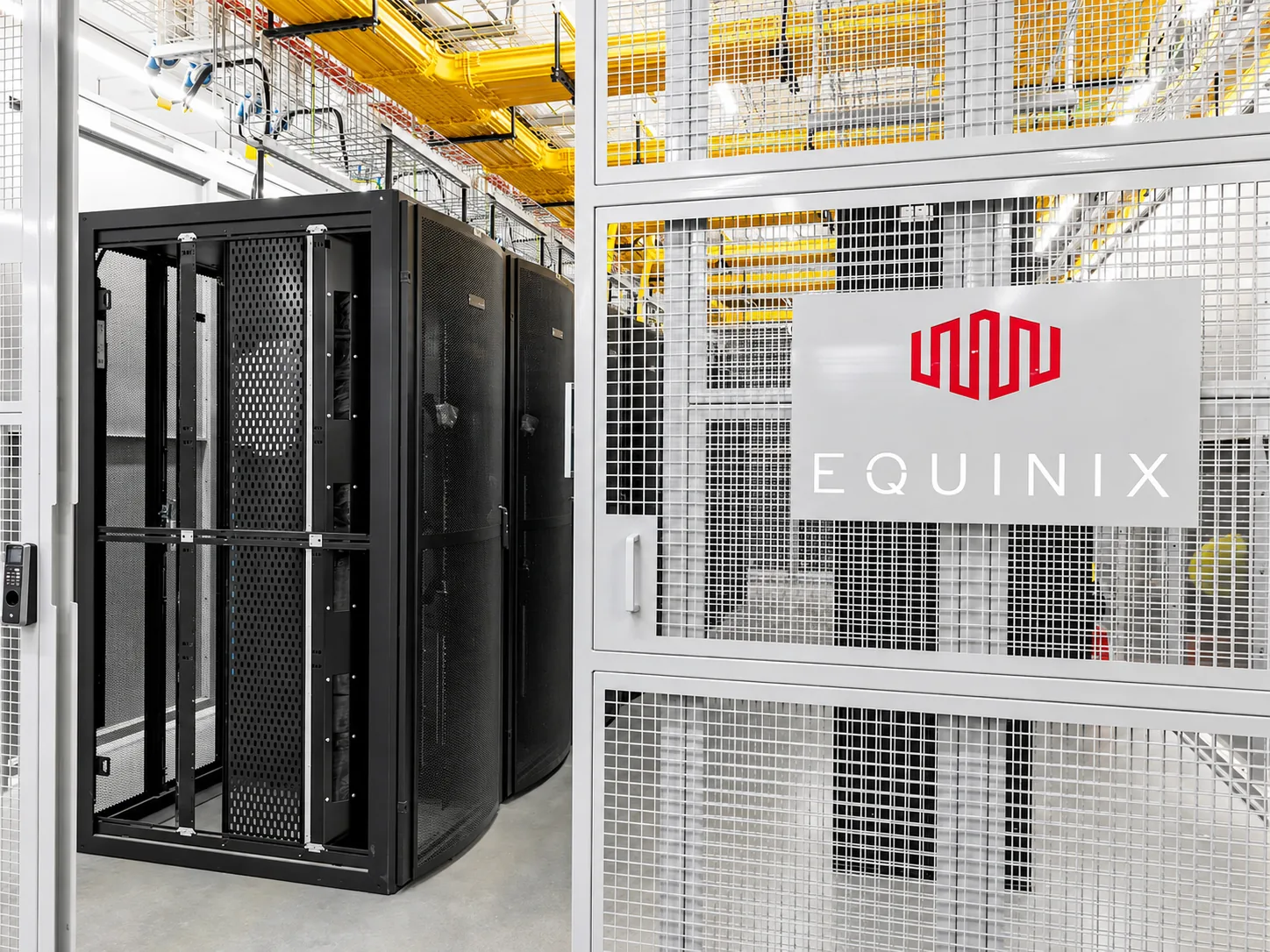
NVMe storage and reserved vCPU keep workflows responsive.
A VPS on which n8n, the open-source workflow automation tool, runs under your control. Unlike n8n Cloud, there is no execution or workflow limit and your credentials stay on your own machine. At CloudBT, n8n installs in one click from the panel on a server with dedicated resources in Istanbul.

Questions about running n8n on a VPS.
You pay only the server price; n8n Community Edition is free. A plan with 2 GB of memory is enough to start. Current plans are at the top of this page.
No. The only limit is the server's resources, which you can upgrade from the panel.
Yes. Point a subdomain to the server and install Caddy or Nginx Proxy Manager from the panel for a free Let's Encrypt certificate.
Take a snapshot in the panel, then pull the new Docker image and restart. If anything breaks, roll back to the snapshot in one click.
Yes. n8n's AI nodes connect to OpenAI, Anthropic and others; Ollama can be installed on the same server for local models.
Yes. Open a ticket from the panel in English or Turkish, around the clock. Server and network issues are handled by the engineers who run the platform.
Deployment is automatic. A Linux server is usually ready within a few minutes of payment confirmation; connection details appear in the panel and in your email.
By bank transfer (SWIFT or SEPA to our Turkish bank account). Card payments are being added. Your server is deployed automatically once the payment is confirmed.
No. We provide the server, network, snapshots, console and 24/7 support; software configuration, updates and data backups are yours. Over 200 applications install from the panel in one click.
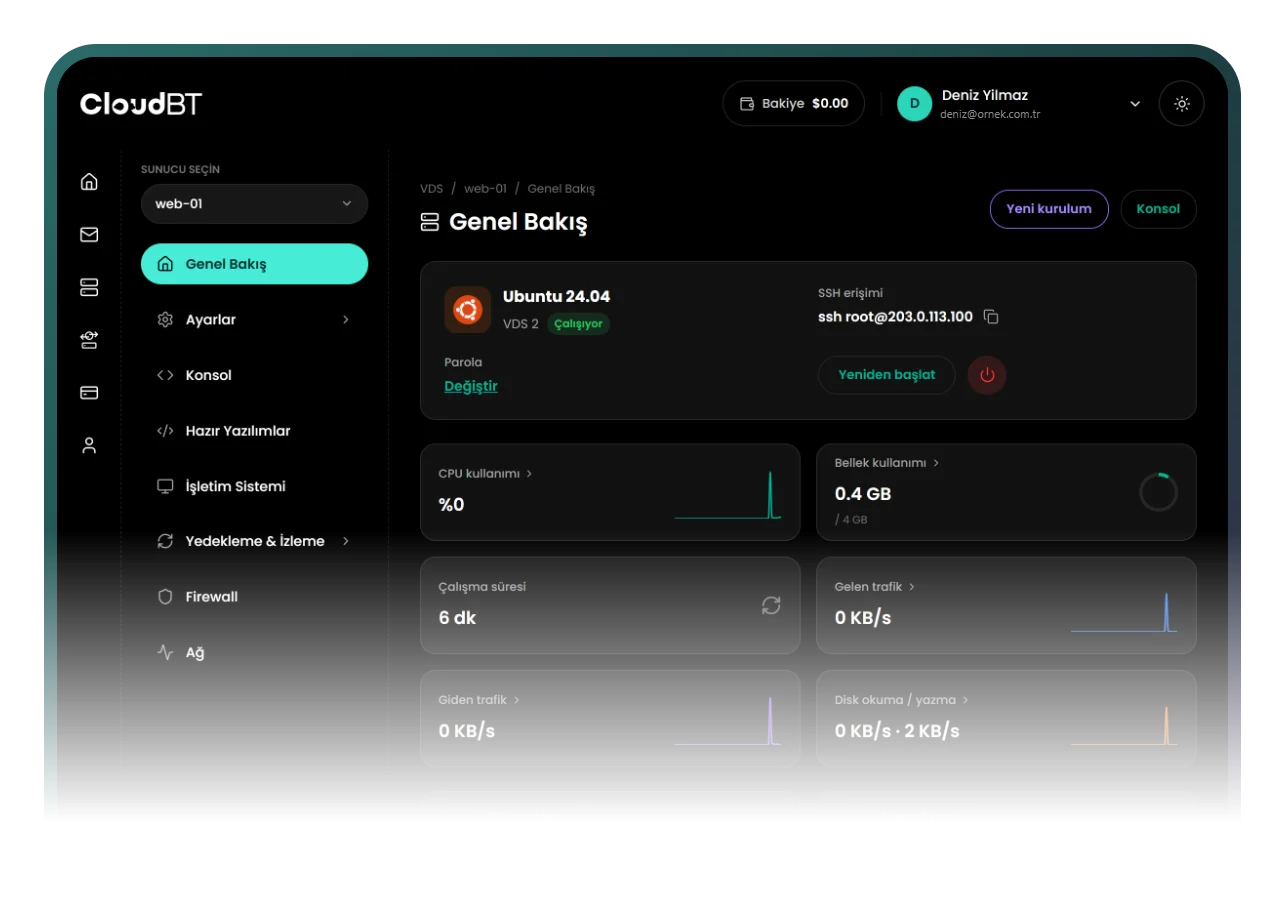
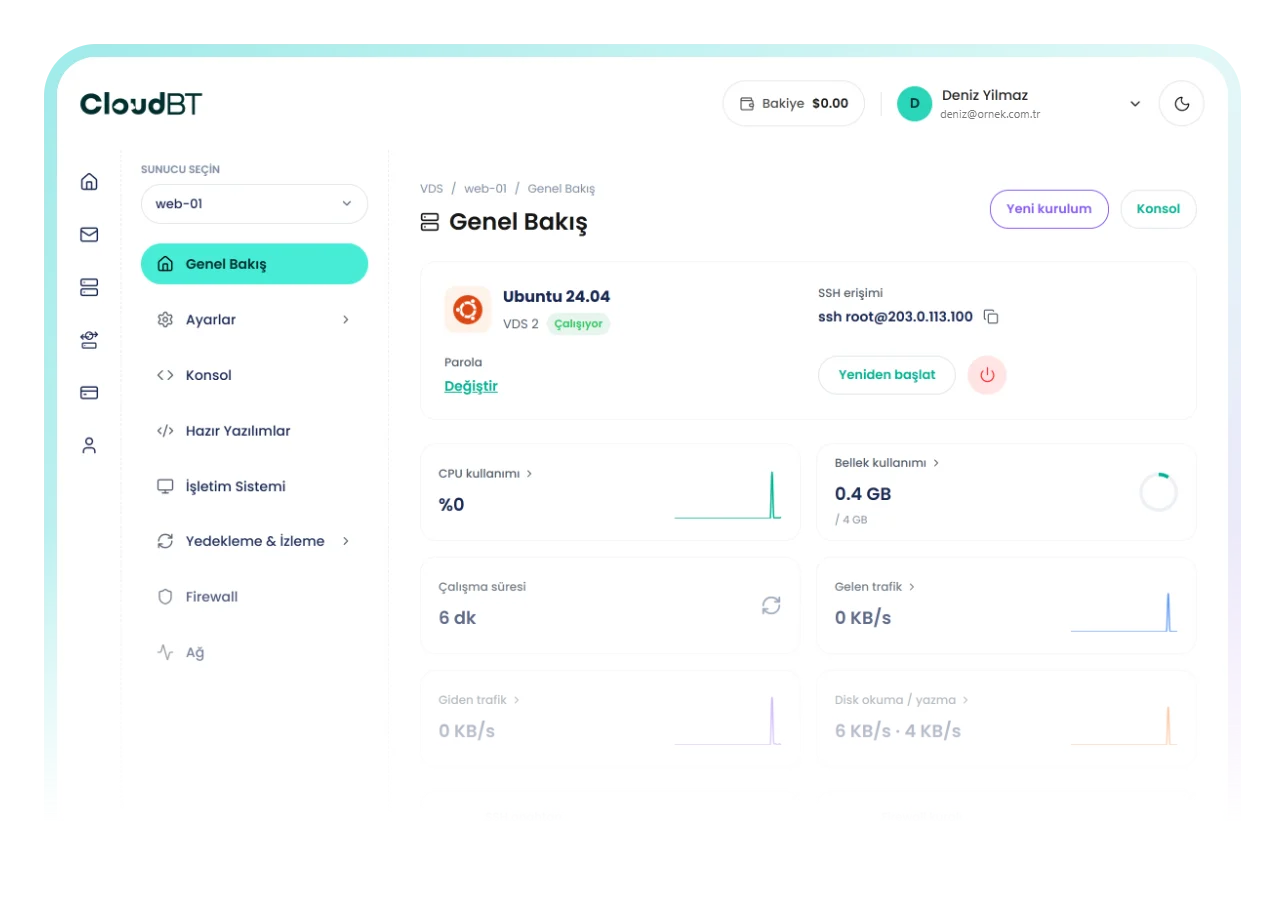
One-click apps, console, snapshots, firewall and resource graphs.