

VDS 1
1 vCPU
AMD EPYC
2 GB
DDR4 ECC RAM
25 GB
NVMe Storage
10 Gbit
Port · unlimited traffic
$7/mo
New: every layer redundant cloud servers, now in every plan, at no extra cost!


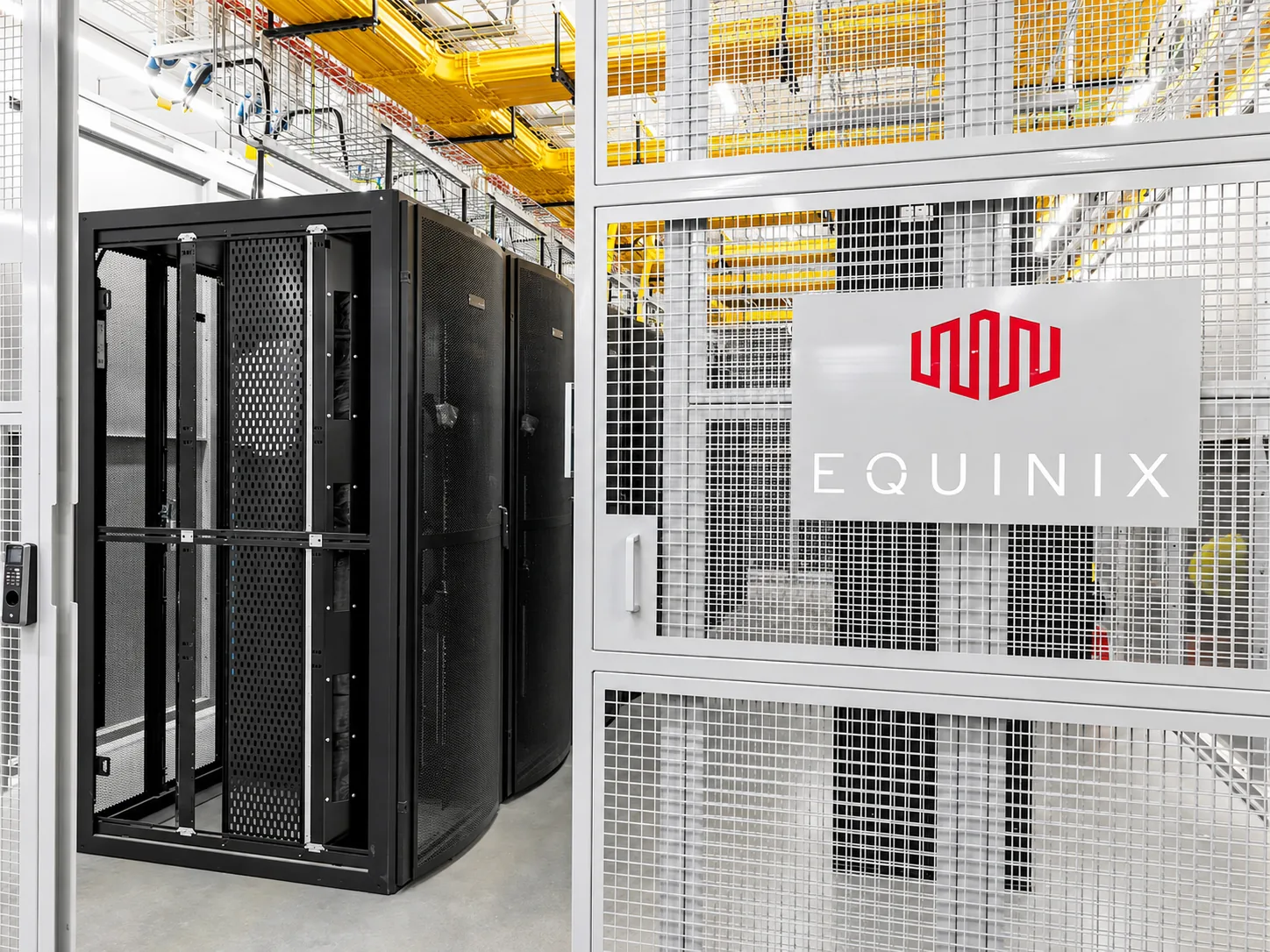
Windows Server 2016 to 2025 with Remote Desktop, running on dedicated vCPU, memory and NVMe storage in Equinix IL4, Istanbul. Ready in minutes; SQL Server Express, MetaTrader, browsers and tools install from the panel.
From the smallest to the largest. Every plan runs on AMD EPYC processors and NVMe storage in Istanbul.
1 vCPU
AMD EPYC
2 GB
DDR4 ECC RAM
25 GB
NVMe Storage
10 Gbit
Port · unlimited traffic
$7/mo
Most Popular Plan
2 vCPU
AMD EPYC
4 GB
DDR4 ECC RAM
50 GB
NVMe Storage
10 Gbit
Port · unlimited traffic
$11/mo
2 vCPU
AMD EPYC
8 GB
DDR4 ECC RAM
80 GB
NVMe Storage
10 Gbit
Port · unlimited traffic
$17/mo
4 vCPU
AMD EPYC
8 GB
DDR4 ECC RAM
120 GB
NVMe Storage
10 Gbit
Port · unlimited traffic
$21/mo
4 vCPU
AMD EPYC
16 GB
DDR4 ECC RAM
160 GB
NVMe Storage
10 Gbit
Port · unlimited traffic
$30/mo
6 vCPU
AMD EPYC
24 GB
DDR4 ECC RAM
240 GB
NVMe Storage
10 Gbit
Port · unlimited traffic
$42/mo
8 vCPU
AMD EPYC
32 GB
DDR4 ECC RAM
320 GB
NVMe Storage
10 Gbit
Port · unlimited traffic
$55/mo
12 vCPU
AMD EPYC
48 GB
DDR4 ECC RAM
480 GB
NVMe Storage
10 Gbit
Port · unlimited traffic
$80/mo

Windows Server 2016, 2019, 2022 and 2025 with the Desktop Experience. Choose at order time; change later with a one-click reinstall.

Remote Desktop details appear in the panel as soon as the server is ready. A browser console is available if RDP is ever unreachable.

SQL Server Express, SSMS, Chrome, VS Code, FileZilla, WinSCP, PuTTY, MetaTrader 4 and 5, AnyDesk, RustDesk and more.
For a new deployment take the newest release; older releases exist only for software that requires them.
| Version | Microsoft support | When to choose |
|---|---|---|
| Windows Server 2025 | Extended support to 2034 | New deployments, latest .NET and security features |
| Windows Server 2022 | Extended support to 2031 | The most common release today; most business software supports it |
| Windows Server 2019 | Extended support to 2029 | Only for software validated on 2019 |
| Windows Server 2016 | Extended support to 2027 | Legacy applications only |
The server is installed with Microsoft's Windows Server evaluation edition and works immediately. The license is not included in the price; you activate the server with your own license key from inside Windows. If you do not have one, contact support and we will walk through the options.
Windows Server with the Desktop Experience idles at about 2 GB of memory and 20 GB of disk. A plan with 4 GB is enough for RDP and one or two applications; for SQL Server, ERP or trading terminals start at 8 GB. Storage is NVMe, so SQL Server and file operations are fast.

Change the Administrator password: The generated password is shown in the panel; replace it on first login.
Restrict RDP: Open port 3389 only to your office or VPN address in the panel firewall. RDP exposed to the internet attracts brute-force attempts within minutes.
Run Windows Update: The image is kept current, but check for updates on first boot.
Take a snapshot: Snapshot the clean installation before installing software; roll back in one click if something breaks.
Running MetaTrader or trading bots on Windows: Forex and Trading VPS in Istanbul
Three ways to run Windows workloads
| FEATURES | Server in the Office | CloudBT Windows VPS | Shared Windows Hosting |
|---|---|---|---|
| Access | Office network or VPN | RDP from anywhere, firewall-restricted | Control panel only |
| Resources | Fixed | Reserved, upgradable from the panel | Shared |
| Administrator access | Yes | Yes | No |
| Power, cooling, redundancy | Your responsibility | Included | Included |
| Hardware failure | Work stops | Server restarts on another host | Provider dependent |
| Best for | Single location, fixed load | ERP, SQL Server, .NET, trading | Simple ASP.NET sites |

Reach the Windows desktop from the panel even when RDP is down.
Three snapshots per server, 30 days. Roll back before and after updates.
Expose RDP and application ports only to the addresses you choose.

SQL Server Express and SSMS install from the panel; connection details are shown there.
Windows servers run on the same AMD EPYC and NVMe platform as Linux.
Dual AMD EPYC processors in every physical host. Your virtual server runs on cores reserved for you.

The entire storage layer is NVMe SSD. Database queries and file operations are noticeably faster than on SATA SSD.
Every host connects to two separate switches with a 100G link each. If a switch or link fails, your traffic flows over the other.
Three snapshots per server and a panel-managed firewall are included in every plan.

Installed with the GUI and Server Manager; no Core-only installations.

Browsers, editors, SQL Server Express, SSMS, MetaTrader, remote access tools and runtimes from the panel.
Automatic Windows deployment after payment; details in the panel.
A virtual server running Windows Server with resources reserved for you. You connect with Remote Desktop and use it like your own machine, except that it runs 24/7 in a data center and is reachable from anywhere. Typical uses: ERP and accounting software, .NET applications, SQL Server, trading terminals and any Windows-only workload.

Questions about Windows VPS in Turkey.
No. The server is installed with the evaluation edition and works immediately; you activate it with your own license key from inside Windows.
The same as a Linux plan; there is no surcharge for Windows installation. The license is a separate item you provide.
Windows Server 2016, 2019, 2022 and 2025. The version can be changed with a reinstall from the panel.
With Remote Desktop (RDP). The IP address, username and password are shown in the panel. A browser console is available as a fallback.
SQL Server Express and SSMS install in one click. Standard or Enterprise editions can be installed with your own license.
Yes. MetaTrader 4 and 5 are in the one-click application list; the terminal keeps running while your own computer is off.
Yes. Open a ticket from the panel in English or Turkish, around the clock. Server and network issues are handled by the engineers who run the platform.
Deployment is automatic. A Linux server is usually ready within a few minutes of payment confirmation; connection details appear in the panel and in your email.
By bank transfer (SWIFT or SEPA to our Turkish bank account). Card payments are being added. Your server is deployed automatically once the payment is confirmed.
No. We provide the server, network, snapshots, console and 24/7 support; software configuration, updates and data backups are yours. Over 200 applications install from the panel in one click.
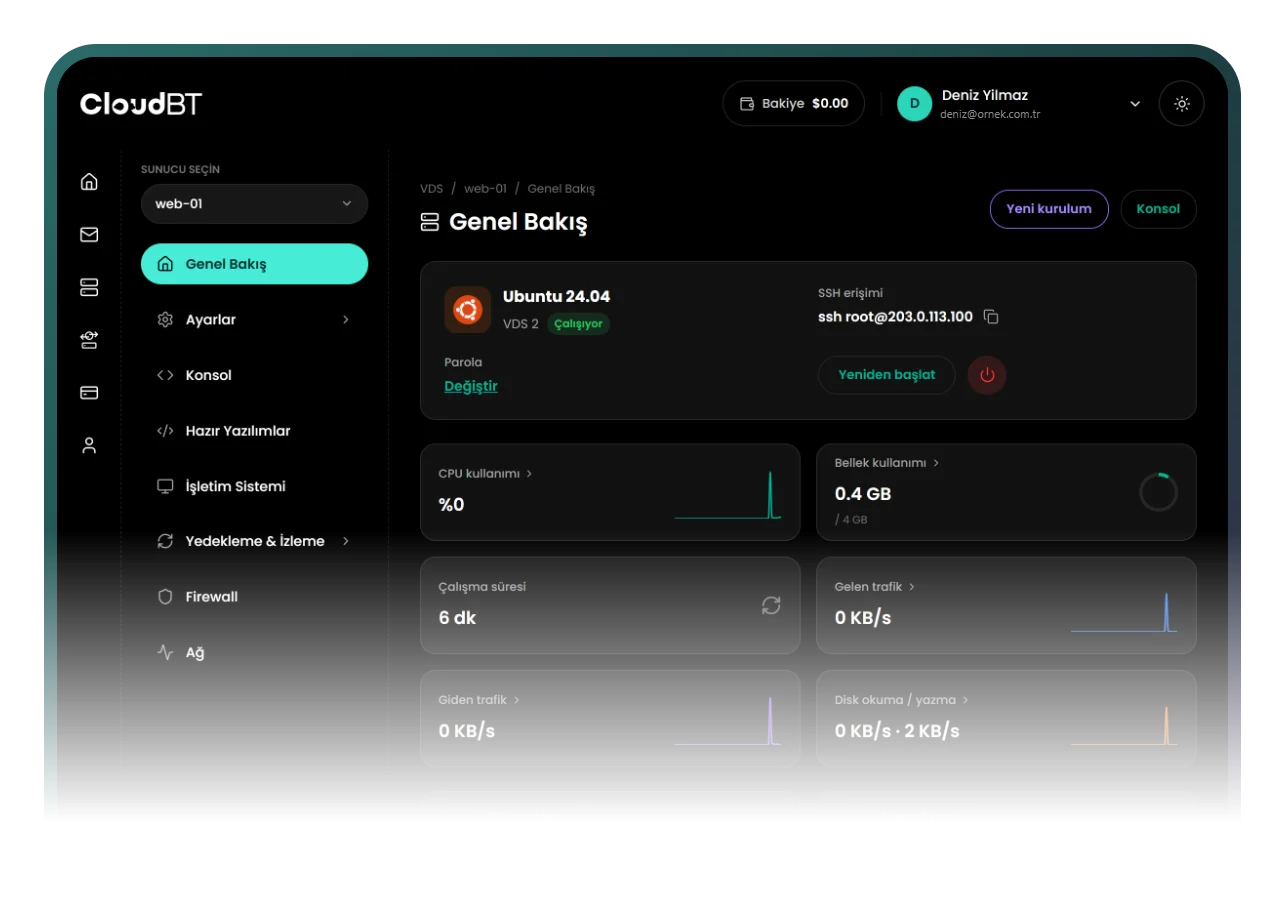
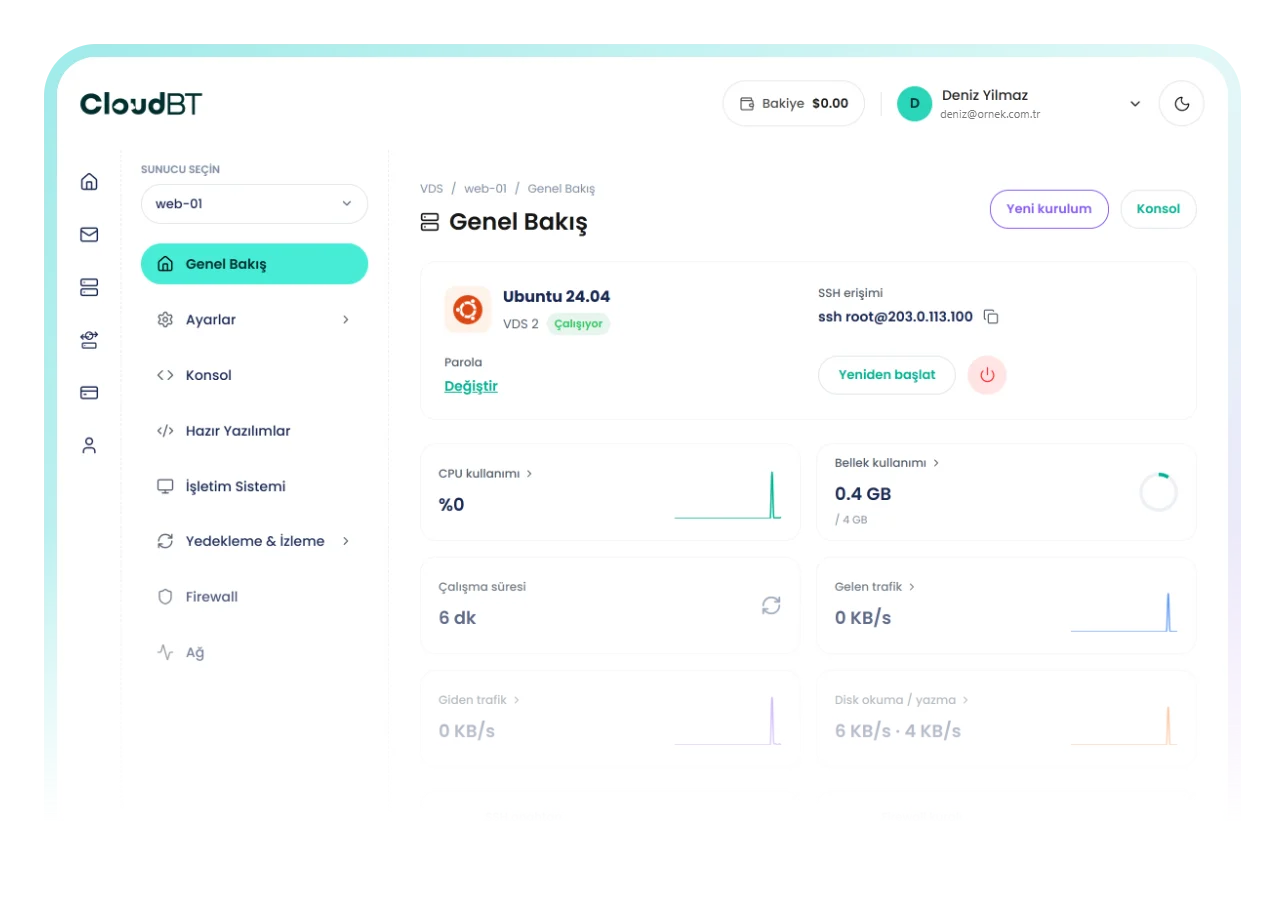
Console, snapshots, firewall, reinstall, resource graphs and Windows one-click apps.