

VDS 1
1 vCPU
AMD EPYC
2 GB
DDR4 ECC RAM
25 GB
NVMe Storage
10 Gbit
Port · unlimited traffic
$7/mo
New: every layer redundant cloud servers, now in every plan, at no extra cost!


A Windows server that is always on and reachable from anywhere over Remote Desktop. For accounting and ERP software, office applications, browser-based tools and trading terminals, on resources reserved for you in Istanbul.
From the smallest to the largest. Every plan runs on AMD EPYC processors and NVMe storage in Istanbul.
1 vCPU
AMD EPYC
2 GB
DDR4 ECC RAM
25 GB
NVMe Storage
10 Gbit
Port · unlimited traffic
$7/mo
Most Popular Plan
2 vCPU
AMD EPYC
4 GB
DDR4 ECC RAM
50 GB
NVMe Storage
10 Gbit
Port · unlimited traffic
$11/mo
2 vCPU
AMD EPYC
8 GB
DDR4 ECC RAM
80 GB
NVMe Storage
10 Gbit
Port · unlimited traffic
$17/mo
4 vCPU
AMD EPYC
8 GB
DDR4 ECC RAM
120 GB
NVMe Storage
10 Gbit
Port · unlimited traffic
$21/mo
4 vCPU
AMD EPYC
16 GB
DDR4 ECC RAM
160 GB
NVMe Storage
10 Gbit
Port · unlimited traffic
$30/mo
6 vCPU
AMD EPYC
24 GB
DDR4 ECC RAM
240 GB
NVMe Storage
10 Gbit
Port · unlimited traffic
$42/mo
8 vCPU
AMD EPYC
32 GB
DDR4 ECC RAM
320 GB
NVMe Storage
10 Gbit
Port · unlimited traffic
$55/mo
12 vCPU
AMD EPYC
48 GB
DDR4 ECC RAM
480 GB
NVMe Storage
10 Gbit
Port · unlimited traffic
$80/mo

Windows Server is deployed automatically after payment; the IP, username and password appear in the panel. Connect with the built-in Remote Desktop client, no extra software.

The server runs in the data center; from home, the office or your phone you return to the same desktop with your programs and files where you left them.

The server is in Istanbul, so the RDP screen stays responsive: 1.8 ms to the Türk Telekom network. Mouse and keyboard feel noticeably faster than on a server abroad.
How fast an RDP server feels depends on three things: how close it is to you, whether resources are reserved, and how fast the disk is.
| Use | Suggested plan | Notes |
|---|---|---|
| One user, office apps and a browser | 2 vCPU, 4 GB | Windows Server idles at about 2 GB |
| Accounting and ERP | 4 vCPU, 8 to 16 GB | 8 GB and up for SQL Server |
| Several concurrent users | 4 to 8 vCPU, 16 to 32 GB | Remote Desktop Services user licenses required |
| Trading terminals (MetaTrader) | 2 to 4 vCPU, 4 to 8 GB | Terminals run 24/7; 8 GB for several terminals |
The server is installed with the Windows Server evaluation edition and works immediately; you activate it with your own license key from inside Windows. The license is not included in the price. More than two concurrent users require Remote Desktop Services licenses.

Firewall: Open port 3389 only to your office, home or VPN address in the panel firewall. RDP exposed to the internet attracts brute-force attempts within minutes.
Passwords: Change the Administrator password on first login; create a separate account per user.
Updates: Keep Windows Update on; take a snapshot in the panel before large updates.
Activity log: Management actions on the server appear in your account activity.
Windows Server versions and licensing: Windows VPS in Turkey
Three ways to get a Windows desktop you can reach from anywhere
| FEATURES | PC in the Office | CloudBT Remote Desktop Server | RDP Server Abroad |
|---|---|---|---|
| Access | In the office or over VPN | RDP from anywhere, firewall-restricted | RDP from anywhere |
| Screen response from Turkey | Local | Low latency, Istanbul | High latency |
| Uptime | While the PC is on | 24/7 | 24/7 |
| Resources | Fixed | Reserved, upgradable from the panel | Usually shared |
| Backups | Your own setup | Snapshots in the panel | Provider dependent |
| Invoice | Hardware purchase | Monthly, from a company in Turkey | Foreign company |

Reach the desktop from the panel even when RDP is down.
A restore point before installing software; three per server, 30 days.
Open port 3389 only to the addresses you choose.

SQL Server Express, browsers, FileZilla, WinSCP, MetaTrader and remote access tools.
Windows servers run on the same AMD EPYC and NVMe platform and the same 2×100G network.
Dual AMD EPYC processors in every physical host. Your virtual server runs on cores reserved for you.

The entire storage layer is NVMe SSD. Database queries and file operations are noticeably faster than on SATA SSD.
Every host connects to two separate switches with a 100G link each. If a switch or link fails, your traffic flows over the other.
Three snapshots per server and a panel-managed firewall are included in every plan.

Choose the version at order time; change it later with a reinstall from the panel.

Installed with the familiar Windows GUI and Server Manager.
1.8 ms from Istanbul to the Türk Telekom network; no visible mouse or keyboard lag.
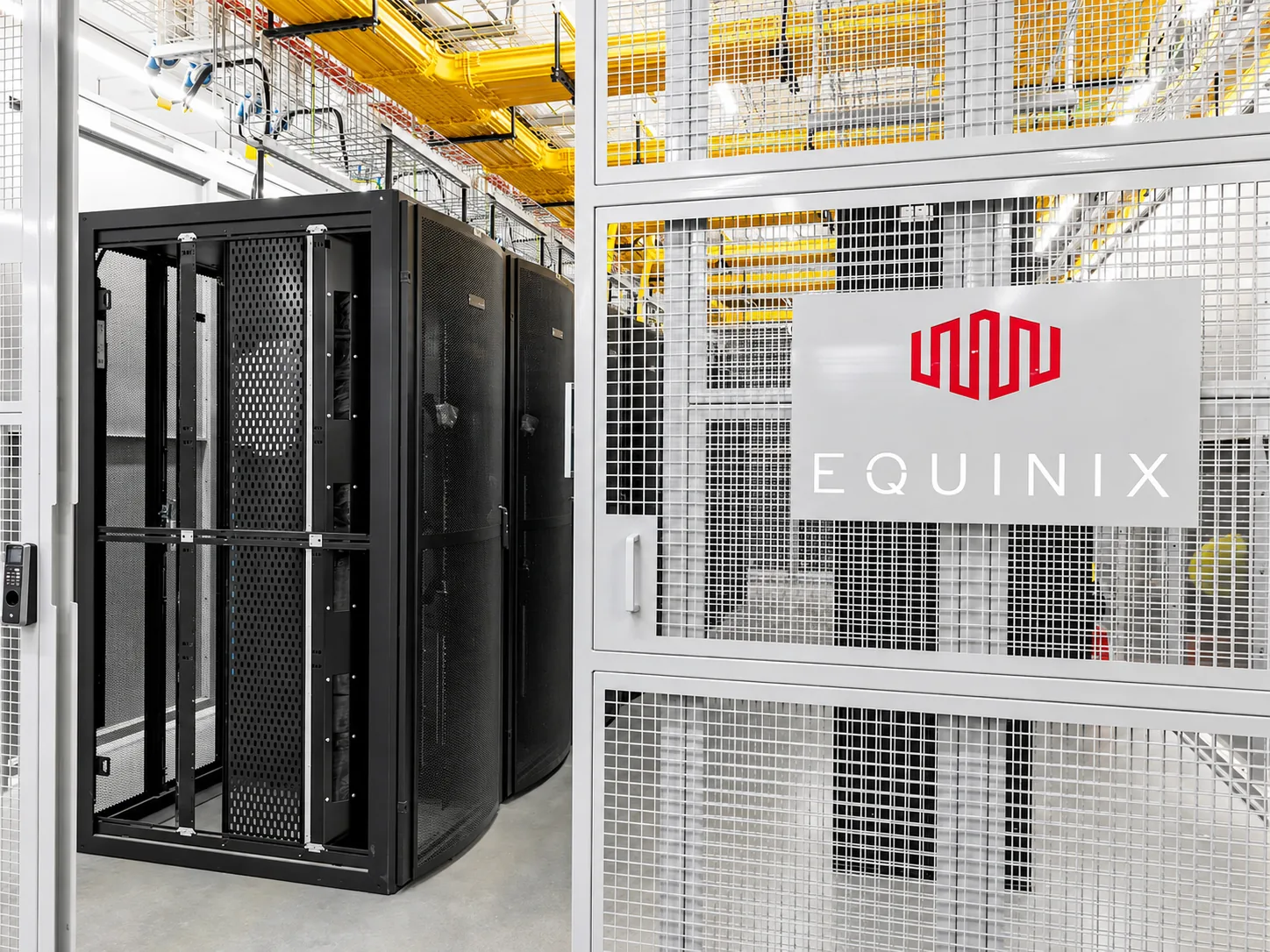
A Windows server that runs 24/7 in a data center and that you use like your own computer over Remote Desktop (RDP). Your programs and files live on the server; whichever device you connect from, you return to the same desktop. At CloudBT it runs in Equinix IL4, Istanbul, on resources reserved for you.

Questions about renting a remote desktop server.
The same as a Linux plan; there is no surcharge for Windows. The Windows Server license is not included: the server is installed with the evaluation edition and activated with your own key. Current plans are at the top of this page.
With Remote Desktop Connection on Windows, Microsoft Remote Desktop on macOS or the RD Client app on your phone. IP, username and password are shown in the panel.
Windows Server allows two administrative sessions by default; more require Remote Desktop Services user licenses.
The server is in Istanbul, so latency from Turkey is low; lag usually comes from your own connection. A stable 2 Mbps connection or better feels smooth.
You have Administrator rights, so anything that runs on Windows. SQL Server Express, browsers, FileZilla, WinSCP, MetaTrader and remote access tools install in one click from the panel.
Deployment is automatic. A Linux server is usually ready within a few minutes of payment confirmation; connection details appear in the panel and in your email.
By bank transfer (SWIFT or SEPA to our Turkish bank account). Card payments are being added. Your server is deployed automatically once the payment is confirmed.
No. We provide the server, network, snapshots, console and 24/7 support; software configuration, updates and data backups are yours. Over 200 applications install from the panel in one click.
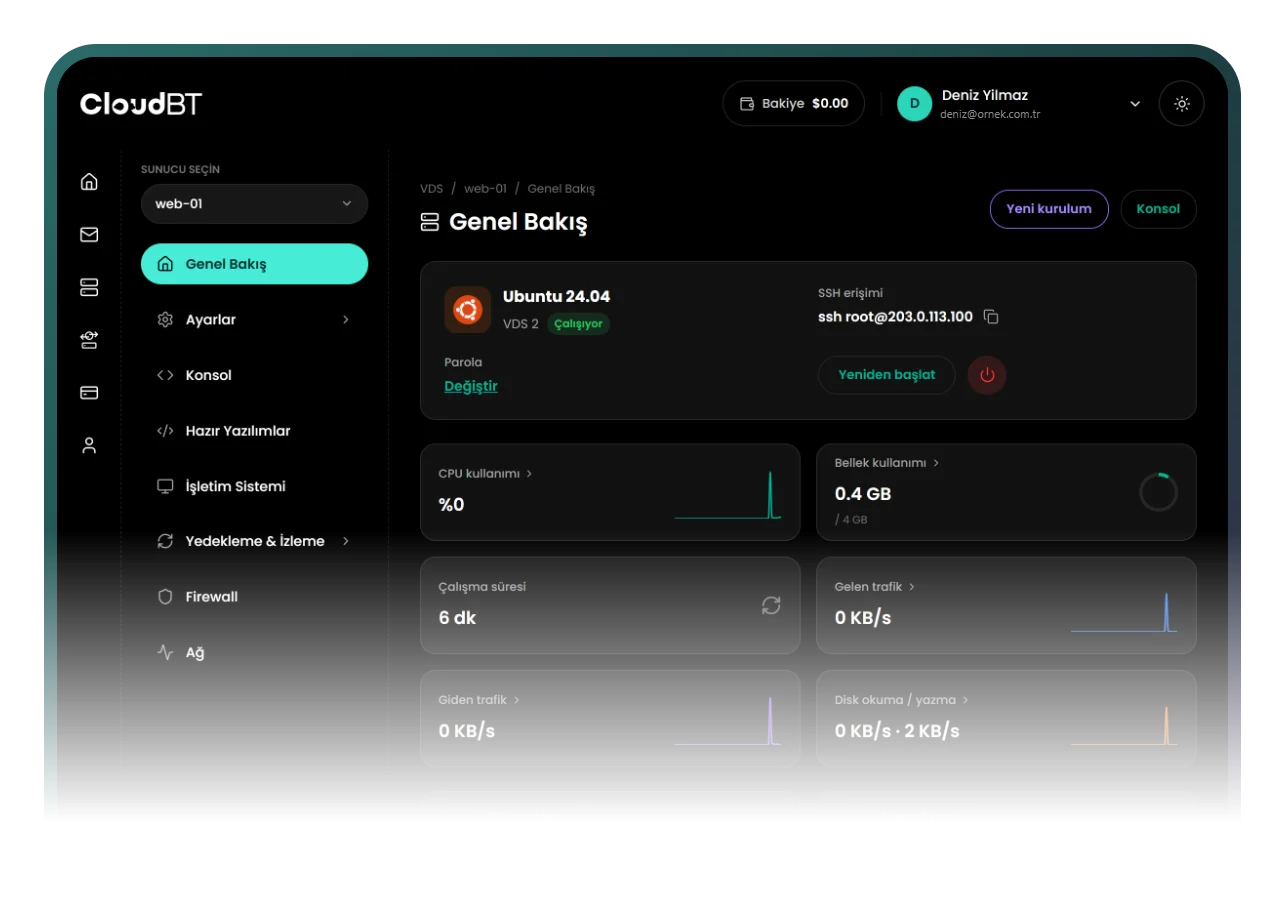
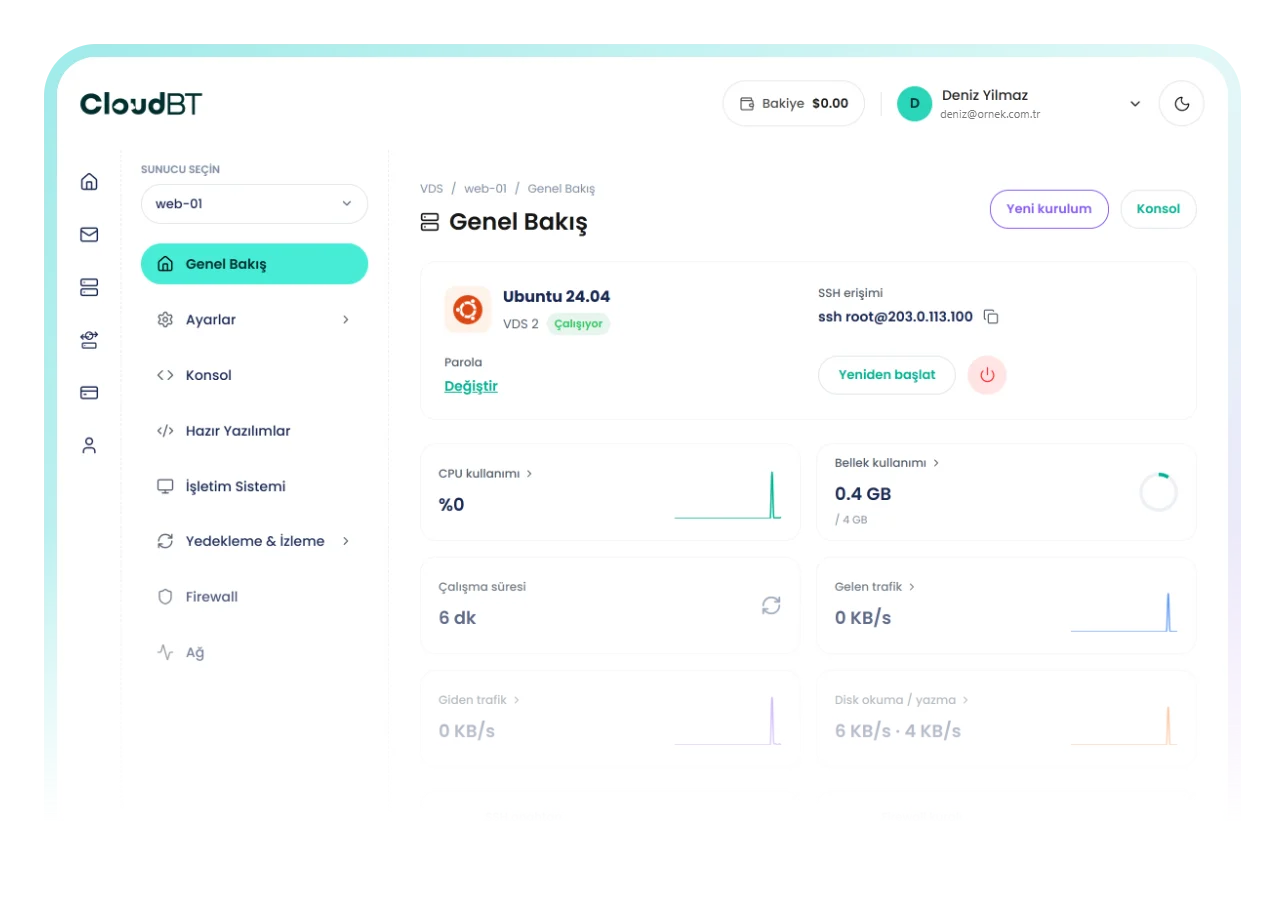
Console, snapshots, firewall, reinstall, resource graphs and Windows one-click apps.